



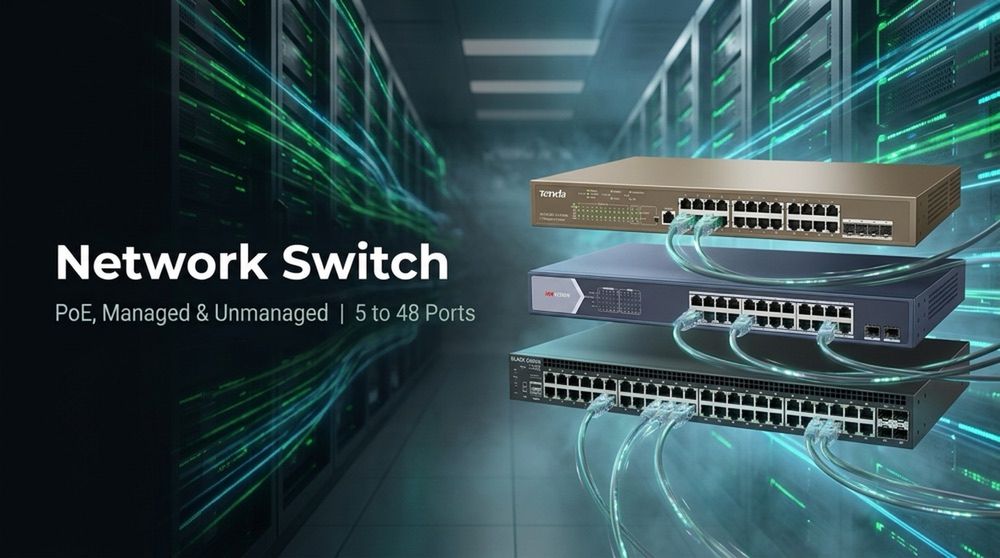
Network Switch
There are 97 products.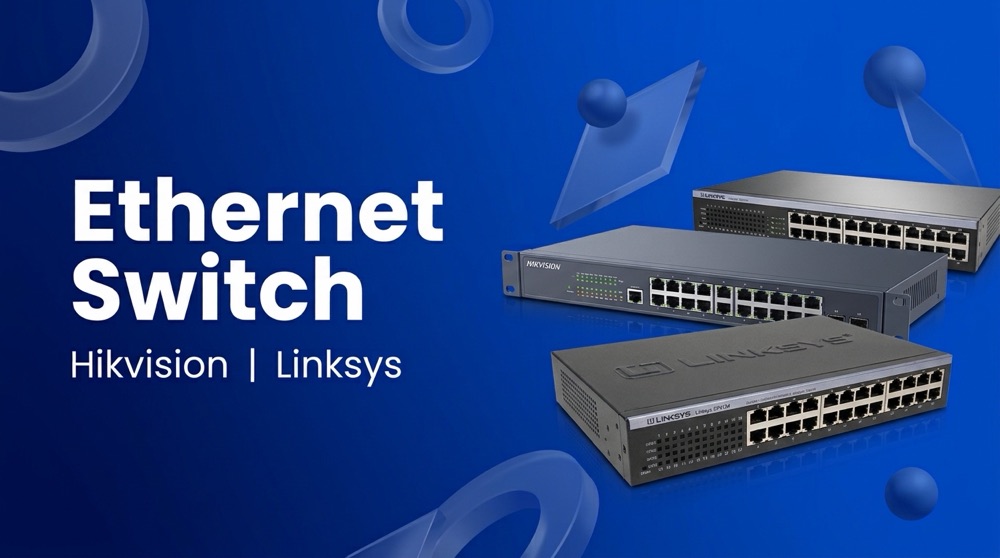
Network Switch products
-
Tenda TEG1009P-EI
Tenda TEG1009P-EI 9-Port Gigabit PoE Switch 9 × Gigabit ports, 8 with PoE PoE per port: 8 × 15.4 W (af) or 4 × 30 W (at) 802.3az energy saving Fanless Lightning-protected uplink Plug and play for CCTV
Call for priceOut of stock

Network switches by type
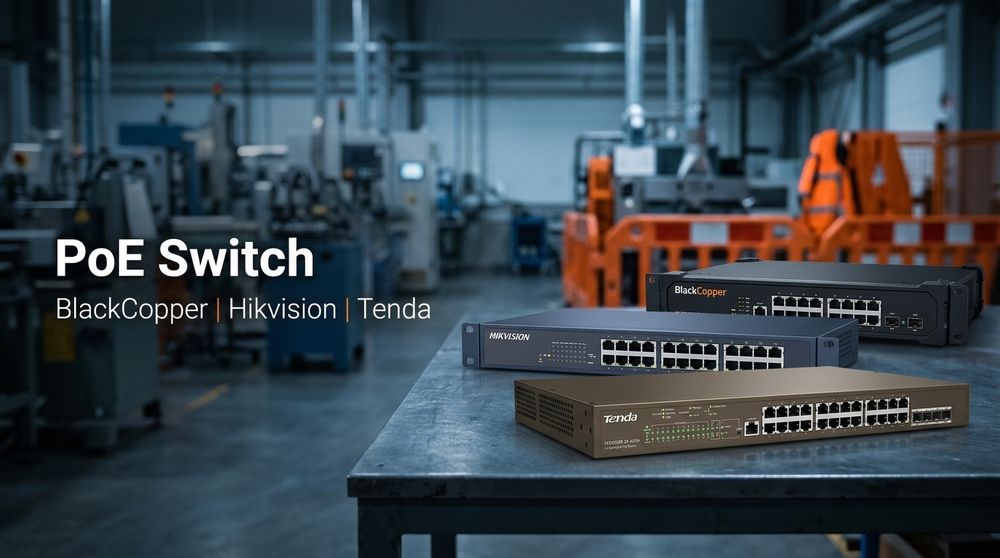
- PoE switch for IP cameras and access points: 8 port PoE switch, 4 port, 16 port, 24 port
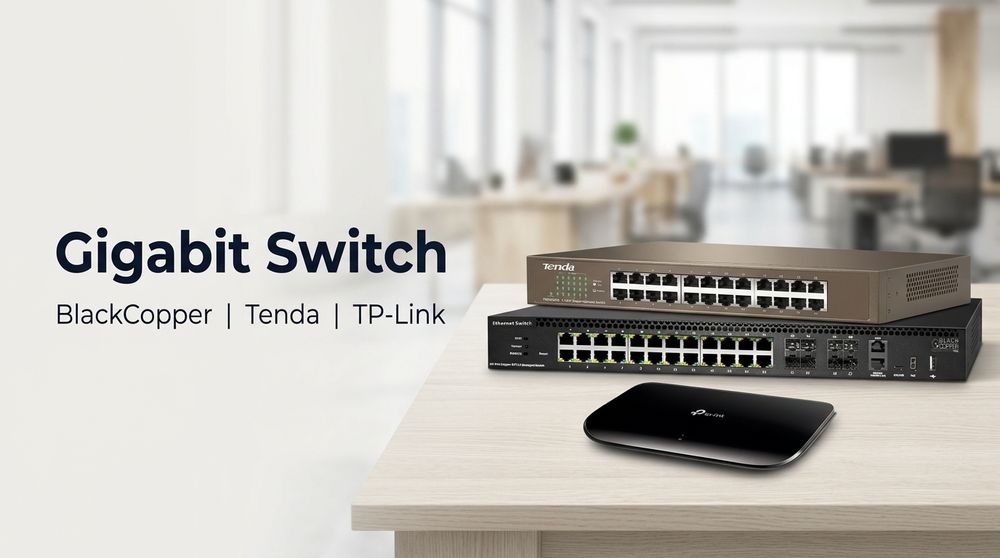
- Gigabit switch: 8 port, 16 port, 24 port, 48 port
- Ethernet switch (10/100 Mbps): 8 port and more
Networking Switches: The Backbone of Your Network
In today's digital world, reliable and robust network connectivity is crucial for busines...
Network switches by type
- PoE switch for IP cameras and access points: 8 port PoE switch, 4 port, 16 port, 24 port
- Gigabit switch: 8 port, 16 port, 24 port, 48 port
- Ethernet switch (10/100 Mbps): 8 port and more
Networking Switches: The Backbone of Your Network
In today's digital world, reliable and robust network connectivity is crucial for businesses of all sizes. Networking switches play a vital role in facilitating this connectivity by enabling communication between devices within a network. This article will delve into the intricacies of networking switches, exploring their functions, types, and key considerations for choosing the right switch for your specific needs.
What are Networking Switches?
Networking switches are intelligent network devices that connect multiple devices on a network, allowing them to communicate with each other. They operate at Layer 2 of the OSI model, managing data flow based on MAC addresses. Switches work by learning the MAC addresses of connected devices and creating a dedicated connection between them, unlike hubs that simply broadcast data to all connected devices.
Key Features of Networking Switches:
- Data Forwarding: Switches efficiently forward data packets between devices, eliminating collisions and improving network performance.
- Port Aggregation: Switches enable port aggregation (trunking) to combine multiple physical ports into a single logical channel, increasing bandwidth and redundancy.
- VLAN Support: Virtual Local Area Networks (VLANs) allow you to segment your network into different broadcast domains, enhancing security and improving performance.
- Quality of Service (QoS): QoS features prioritize traffic based on specific applications or users, ensuring critical data flows smoothly.
- Security Features: Many switches include built-in security features such as port security, access control lists (ACLs), and intrusion detection/prevention.
- Management Capabilities: Modern switches offer web-based or command-line interfaces for easy configuration and monitoring.
Types of Networking Switches:
Networking switches are available in various types, each designed for specific network applications and requirements. Here are some common types:
1. Unmanaged Switches:
Unmanaged switches are simple devices that operate without any configuration options. They are typically used in small home or office networks where basic connectivity is sufficient.
2. Managed Switches:
Managed switches provide advanced configuration and management features, allowing network administrators to control various aspects of the network. These switches are suitable for medium to large businesses and enterprise networks that require greater control and flexibility.
3. Smart Switches:
Smart switches offer some management features, such as VLAN support and QoS, but not as extensive as managed switches. They are a cost-effective option for small to medium-sized businesses that require basic management capabilities.
4. Layer 3 Switches:
Layer 3 switches combine Layer 2 switching functions with Layer 3 routing capabilities. They can route traffic between different network segments, reducing the need for dedicated routers. Layer 3 switches are commonly used in larger networks where advanced routing is required.
5. PoE Switches:
Power over Ethernet (PoE) switches provide power to devices connected through Ethernet cables, eliminating the need for separate power outlets. PoE switches are ideal for deploying devices such as IP cameras, wireless access points, and VoIP phones.
Choosing the Right Networking Switch:
Selecting the right networking switch for your network requires considering several factors:
- Network Size and Requirements: Determine the number of devices and ports needed for your network.
- Bandwidth Needs: Consider the data transfer rates required for your applications and the expected network traffic.
- Management Capabilities: Decide whether you need a managed switch with advanced features or an unmanaged switch for basic connectivity.
- Security Features: Assess the security requirements of your network and select a switch that offers appropriate security features.
- Budget: Set a budget for your networking switch and choose a device that provides the best value for your needs.
- Brand Reputation: Consider reputable brands known for their quality, reliability, and customer support.
Best Practices for Networking Switch Installation and Configuration:
Proper installation and configuration are essential for optimizing network performance and reliability. Here are some best practices:
- Plan Your Network Topology: Design a logical network layout that meets your current and future needs.
- Use Quality Cables: Ensure you use high-quality Ethernet cables that meet your network's speed and distance requirements.
- Configure VLANs: If necessary, segment your network into different VLANs for security and performance optimization.
- Set up Security Measures: Enable appropriate security features, such as port security and ACLs, to protect your network from unauthorized access.
- Monitor and Maintain Your Network: Regularly monitor the health and performance of your network and make necessary adjustments.
Benefits of Using Networking Switches:
Investing in a quality networking switch offers numerous benefits, including:
- Improved Network Performance: Switches enhance network speed and efficiency by eliminating data collisions and providing dedicated connections.
- Enhanced Security: Switches provide security features like VLANs, port security, and ACLs to protect your network from unauthorized access and data breaches.
- Scalability and Flexibility: Switches offer scalability to accommodate future network growth and expansion.
- Centralized Management: Managed switches provide a centralized platform for managing and monitoring your network.
- Cost Savings: Switches can help reduce network costs by eliminating the need for dedicated routers in some cases.
Conclusion:
Networking switches are essential components of modern networks, enabling communication between devices and enhancing network performance, security, and scalability. Understanding the different types of switches, their features, and best practices for selection and configuration is crucial for building a reliable and efficient network.
MB Communication, a leading provider of networking solutions, offers a wide range of switches to meet the diverse needs of businesses. Whether you need a basic unmanaged switch for a small home office or a high-performance managed switch for an enterprise network, MB Communication has the solution for you.
Contact MB Communication today to learn more about their networking switch solutions and how they can help you build a robust and secure network.