

Enrollers
There are 2 products.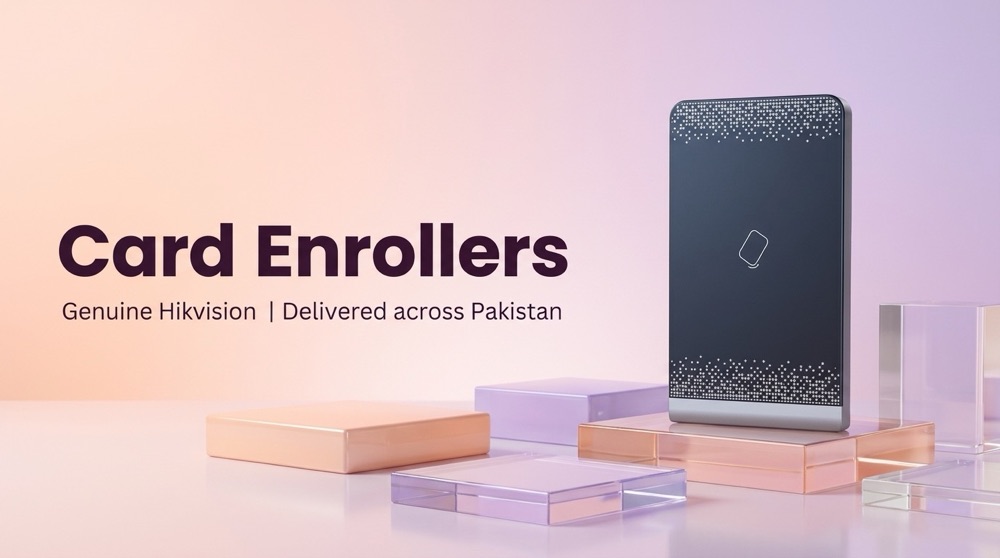
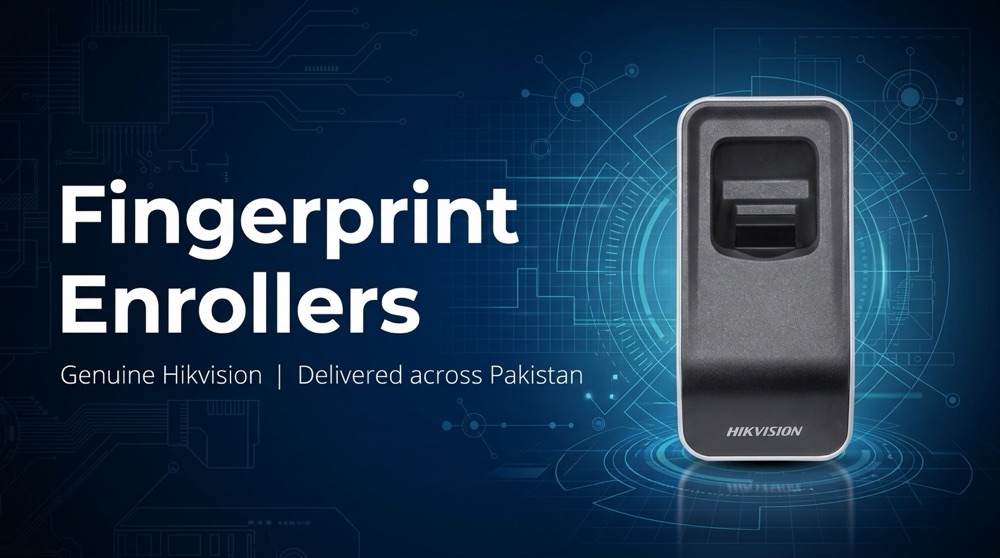
Enrollers products
-
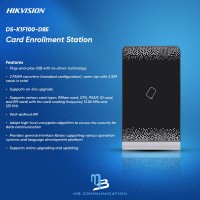
Hikvision DS-K1F100-D8E
Card Enroller Plug-and-play USB with no-driver technology Supports various card types Adopts high-level encryption algorithm to ensure security for data communication
Rs 8,840In Stock -
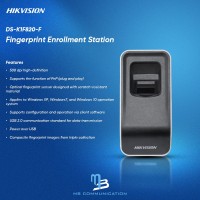
Hikvision DS-K1F820-F
Fingerprint Enroller Plug-and-play USB with no-driver technology, USB 2.0 Optical fingerprint sensor designed with scratch-resistant material Works with Windows XP, Windows7, Windows 10 and Windows11 operating systems
Rs 12,480In Stock
The Ultimate Guide to Choosing the Right Enroller for Your Needs
In today's digital landscape, where information is readily available at our fingertips, it's no surprise that the education sector is rapidly evolving. Online learning platforms are becoming increasingly popular, offering convenience and flexibility for students of all ages and ba...
The Ultimate Guide to Choosing the Right Enroller for Your Needs
In today's digital landscape, where information is readily available at our fingertips, it's no surprise that the education sector is rapidly evolving. Online learning platforms are becoming increasingly popular, offering convenience and flexibility for students of all ages and backgrounds. But with so many options available, how do you choose the right enroller for your needs? This comprehensive guide will delve into the world of enrollers, exploring key factors to consider and providing insights to help you make an informed decision.
What is an Enroller?
An enroller, also known as an online learning platform or learning management system (LMS), is a software application designed to facilitate the delivery and management of online courses. Think of it as a virtual classroom that brings together instructors, students, and educational materials in a centralized environment. Enrollers empower educators to create, deliver, and assess online courses, while offering students a seamless and engaging learning experience.
Key Features to Look for in an Enroller
Not all enrollers are created equal. When choosing the right enroller for your needs, it's crucial to consider the following key features:
- Course Creation Tools: The ability to easily create and customize courses, including uploading content, adding assessments, and integrating interactive elements.
- Content Management: A robust system for managing and organizing course content, such as videos, documents, presentations, and quizzes.
- Communication and Collaboration: Features that enable effective communication between instructors and students, such as forums, chat rooms, and private messaging.
- Learning Analytics: Tools for tracking student progress, engagement, and performance, allowing instructors to monitor and adjust their teaching strategies.
- Accessibility and Integration: Compatibility with various devices and platforms, as well as integrations with other essential tools like calendars and email.
- Security and Privacy: Strong security measures to protect student data and ensure a safe learning environment.
- Customer Support: Reliable support options, such as FAQs, tutorials, and responsive customer service.
Types of Enrollers
Enrollers come in various shapes and sizes, each catering to specific needs and budgets. Here are some common types:
- Open-Source Enrollers: These platforms are free to use, offering flexibility and customization. However, they may require technical expertise for setup and maintenance.
- Cloud-Based Enrollers: Hosted solutions that require no installation and can be accessed from any device with internet access. They often offer affordable pricing plans and excellent support.
- Enterprise-Level Enrollers: Designed for large organizations and institutions, these platforms offer advanced features and scalability. They typically come with higher pricing and may require significant investment.
Finding the Perfect Enroller for You
To find the ideal enroller, consider the following factors:
- Your Specific Needs: What type of courses do you plan to deliver? How many students will you have? What level of customization and support do you require?
- Your Budget: Enrollers range in price, so it's essential to establish a budget before comparing options.
- Ease of Use: Choose an enroller that is intuitive and user-friendly for both instructors and students.
- Features and Functionality: Prioritize features that align with your teaching goals and student needs.
- Reviews and Testimonials: Research user reviews and testimonials to gain insights into the platform's performance and reliability.
Conclusion
Choosing the right enroller is a critical decision that can significantly impact the success of your online courses. By carefully considering your needs, exploring different options, and evaluating key features, you can find the perfect platform to enhance your teaching experience and deliver a compelling learning journey for your students. Remember, the right enroller should be a powerful tool that empowers you to create engaging content, foster meaningful interactions, and achieve your educational goals.
MB Communication: Empowering Your Educational Journey
MB Communication understands the importance of choosing the right tools to enhance your learning experience. We are dedicated to providing innovative solutions that empower individuals and organizations to thrive in the digital age.